How to Combine Two Images Side-by-Side Online for Free (Step-by-Step)
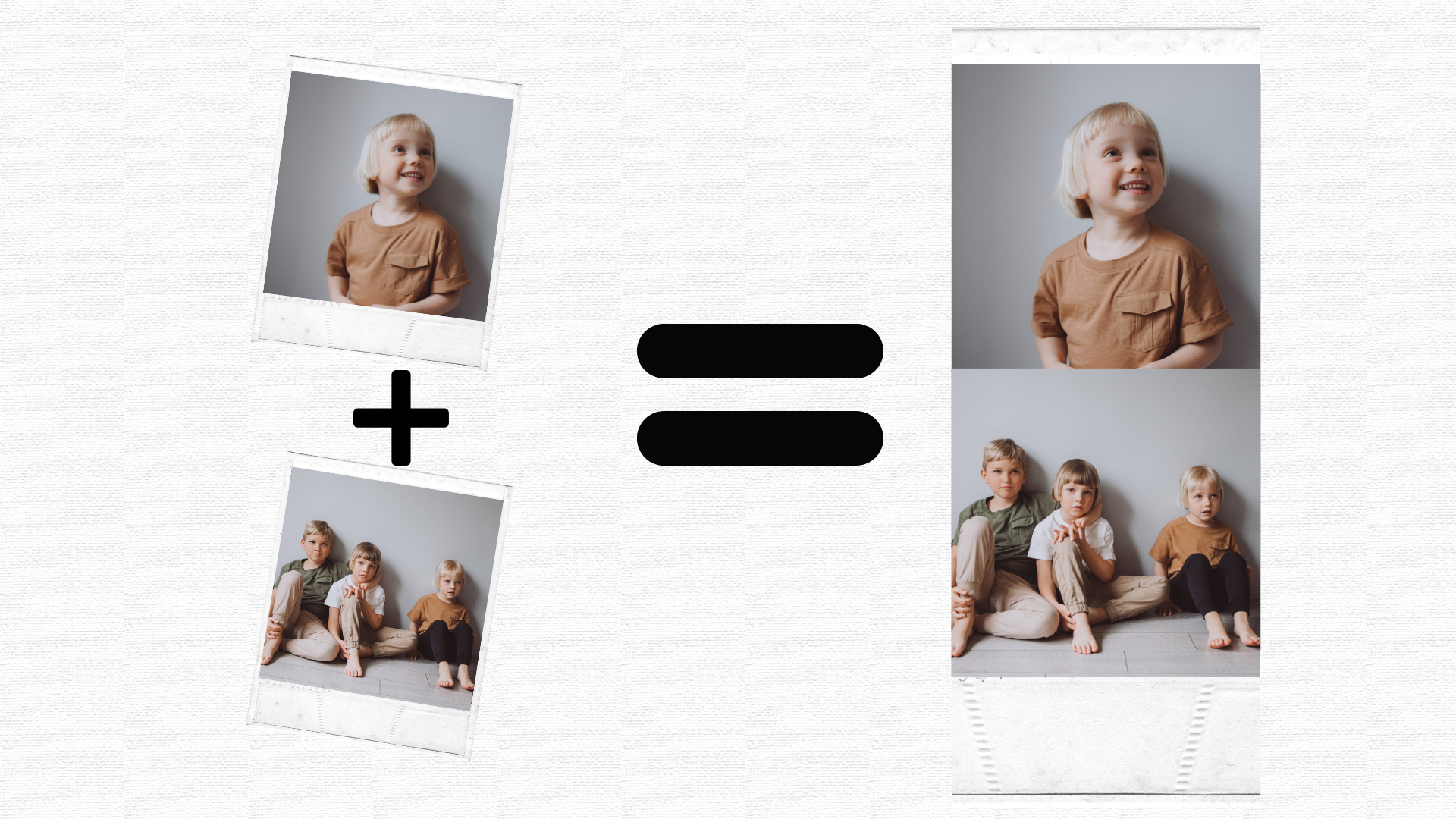
Need to compare two products, showcase a "before and after" transformation, or create a simple dual-photo collage? Doing this manually usually requires heavy software like Photoshop. Luckily, you can now put two photos side by side instantly using free web utilities.
In this guide, we will show you how to easily merge your graphics without losing quality.
Why Use an Online Photo Joiner?
Using an online photo joiner free platform like FixOnSnap saves you time and storage. You don't need to install applications or register an account. Whether you want to create a side-by-side comparison for social media or photo stitch online assets for a professional presentation, a browser-based utility is your best option.
Simple Steps to Merge Images Online
1. Prepare Your Files: Gather the two images you want to combine. Ensure they are in standard web formats (JPG, PNG, or WebP).
2. Upload to the Merger: Go to our specialized tool page.
3. Choose the Layout: Select horizontal alignment if you want them side-by-side, or vertical if you want them stacked.
4. Download: Click the merge button and save your new high-resolution stitched graphic.
If you are ready to combine your graphics right now with zero watermarks, use our dedicated [Free Side-by-Side Image Merger](https://www.fixonsnap.com/side-by-side-photo-combiner) tool and get your files processed in one click!